ESCARGOT360 Private Global V2.1
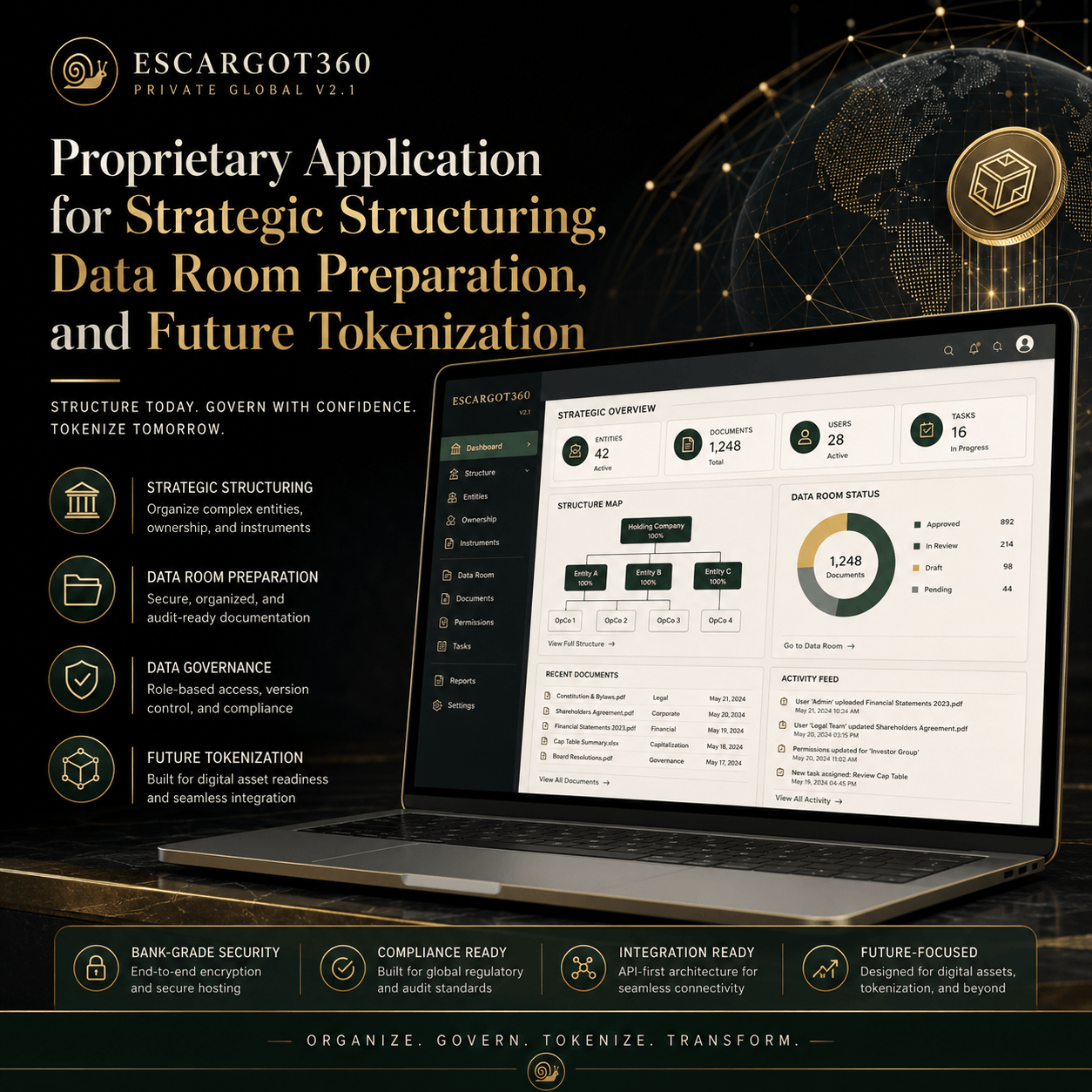
A private, offline and proprietary structuring application designed to demonstrate the global ESCARGOT360 architecture: 10 strategic silos, 10 layers of depth, tangible and intangible assets, validation workflows, data room preparation, professional review, international structuring and future-tokenization readiness.
Private & Local
The application runs directly in a web browser from a local HTML file. No external server, account, database, online login, blockchain wallet or installation software is required.
Global Structure
It organizes the ESCARGOT360 model across a 10-silo × 10-layer framework, creating a 100-cell strategic matrix for structuring, documenting and validating the project.
Future-Ready
The tool includes an API/export standard, allowing the accumulated structure to be prepared for future transfer to professional advisors, a data room, a technical provider or a future readiness platform.
Purpose of the Application
ESCARGOT360 Private Global V2.1 is designed to demonstrate how a global innovation project can be organized through a controlled internal architecture before any external financing, legal structuring, valuation, institutional preparation or future tokenization decision.
The application is not intended to tokenize the project. Its purpose is to organize the underlying structure: assets, rights, documents, validations, jurisdictions, professionals, financial logic, data room preparation and future integration capacity.
The 10 Strategic Silos
- Training & Knowledge Transfer
- Sales & Distribution
- Marketing & Influence
- Controlled Technologies & Engineering
- Logistics & Traceability
- Processing & Quality
- Legal / Finance / Valuation
- Infrastructure & Production
- Research & Innovation
- International Development
The 10 Layers
- Strategic Vision & Role
- Tangible Assets
- Intangible Assets
- Rights, Ownership & Licenses
- Documents & Evidence
- Economic Model
- Required Contracts
- Risks & Validations
- Valuation
- Future Tokenization Potential / Exclusion
Main Functions
What the Application Does
- Structures the project across 10 silos and 10 layers.
- Provides a 100-cell matrix for strategic review.
- Organizes tangible, intangible and economic assets.
- Identifies required documents and evidence.
- Tracks legal, financial, tax, valuation and technical validations.
- Prepares a data room structure.
- Defines professional roles and review areas.
- Creates structured exports for future technical integration.
What the Application Does Not Do
- It does not issue tokens.
- It does not connect to blockchain.
- It does not connect to an external server.
- It does not automatically share data.
- It does not replace legal, financial, tax or regulatory advice.
- It does not disclose protected operational know-how by default.
API & Export Standard
The application includes a proprietary export structure called ESC360-API-1.0. This standard is designed to prepare the information for a future controlled transfer to a professional data room, API, legal team, financial structuring team, technical provider or tokenization-readiness environment.
Each exported item can retain its identifier, object type, silo, layer, status, confidentiality level, jurisdiction, professional validation owner, tokenization or exclusion policy and sharing permission.
Proprietary Notice
The application framework, classification logic, 10 silos × 10 layers model, fields, methodology, export standard and strategic architecture are proprietary elements of the ESCARGOT360 / Alescargot France Ltd global innovation model.
This demonstration should not be reproduced, reused, transferred, distributed or shared without prior written authorization.
Installation Instructions
The application is provided as a ZIP file. No software installation is required.
- Download the ZIP file using the button at the top of this page.
- Right-click the ZIP file and select Extract all.
- Open the extracted folder.
- Double-click the HTML file inside the folder.
- The application will open in your browser.
- At the first opening, create a local password.
- Use the permanent left-side menu to navigate through the application.
- Start by reviewing the 10 × 10 Matrix section.
How to Use the Application
- Open the dashboard to understand the global structure.
- Review the 10 strategic silos.
- Open the 10 × 10 Matrix.
- Click any matrix cell to review or complete its details.
- Review tangible and intangible assets in the Global Assets section.
- Review required documents in the Documents section.
- Review professional validations and jurisdictions.
- Open the API & Export Standard section to understand future data transfer capacity.
- Use the Backup section to export JSON or CSV files when needed.
Confidentiality Reminder
This version is intended as a structural demonstration. It should not be populated with detailed technical protocols, biological secrets, detailed internal margins or highly sensitive governance information unless specifically authorized.
Download the ESCARGOT360 Application
Download the proprietary demonstration application, extract the ZIP file, and open the HTML file locally in your browser.